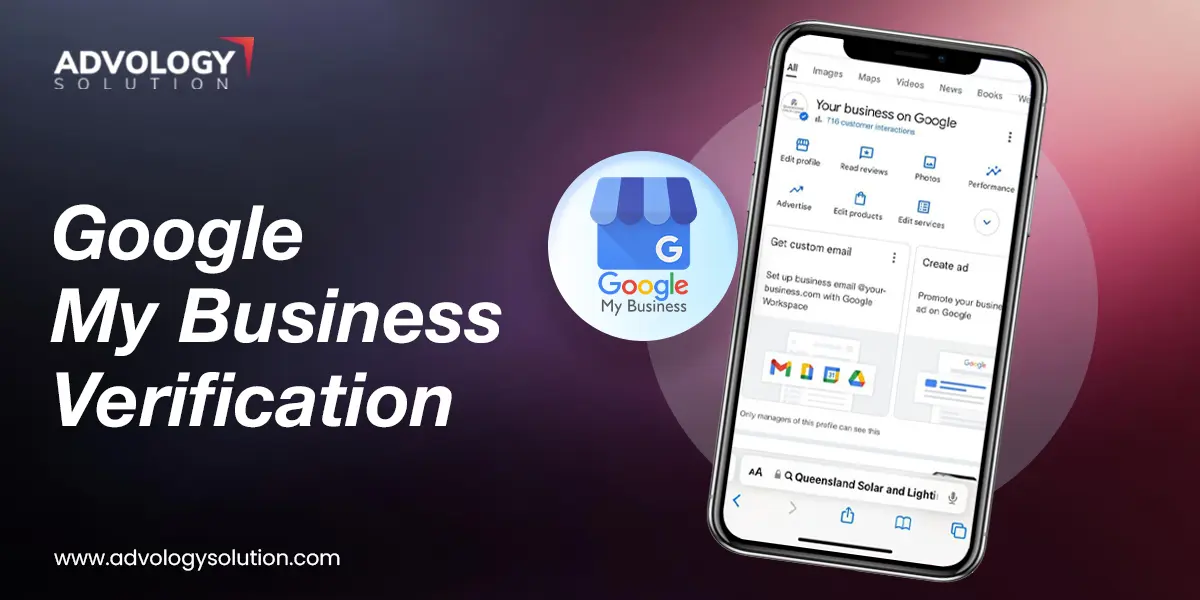
Google My Business Verification - Verify Your Business On Google
Google My Business Verification - Quick Guide For Local Businesses
Who doesn't want to get their business visible in the Google maps? We all do, right? It all starts with Google my Business Verification. You can think about it as your digital VIP pass. Without it, your local customers can't find you, your customer reviews won't show up, and you're essentially invisible on Google Maps.
But, let's be honest, waiting or dealing with verification errors will only bring you face a lot more challenges. Don't panic. Whether your account is suspended or just starting out, this quick guide will help you with all the ins-and-outs.
Let's get you verified and open for business!
What Is Google My Business Verification?
Google my business verification is basically your digital background check. At its core, it is the official process where Google confirms that your business is real and is authenticated in serving the customers, operating out of the service area or physical location you claim. It also ensures that you are the rightful owner or manager of the listing.
We all know that Google's main objective is to protect its users from possible fraudulent, spam, and fake business listings. By encouraging businesses to do a verification check, Google ensures that if someone searches for a local service, they are greeted by actual, operating businesses and not a fake listing operating nowhere.
Until you complete this process, your profile won't benefit. You won't be able to edit your core information, see user analytics, or most importantly, reply to customer reviews. Once verified, Google gives you full ownership and allows your business to publicly display on Search and Maps.
Why Google My Business Verification Must Be Your Next Step?
If you are running a local business, your to-do list is already a mile long. But putting off your Google My Business verification is like locking your front door and turning off the lights during business hours. It needs to happen today, and here is why:
Stop Losing Customers to Competitors
Every day you wait, nearby competitors who are verified are soaking up all the phone calls, website clicks, and foot traffic from Google Maps.
Protect your Listing from Third-Party edits
Do you know that unverified business listings can be edited by anyone? This anyone could be your competitor or any confused user, and without verification ownership, Google might accept the edits and changes. But, once you verify, everything is under your control.
Unlock your Customer Reviews
You cannot respond to reviews, good or bad, until you verify your profile. Missing out on verification means missing out on building a stellar online reputation.
Gain Insights and Analytics
If you want to know exactly how people find your business, Google my business verification helps you know this, unlocking your Google Business profile dashboard. It shows you the exact keywords that people search in Google to find your listing.
How To Verify Google My Business? Easy Methods
Google evolves its verification process. These days, Google primarily prefers digital methods to speed up everything. Below we have covered the complete Google my business verification method. Have a look:
Note - Before you begin, make sure you're logged into your Google Account which is linked with your business. Go to the Google Business Profile dashboard and click Verify Now. By this, Google will automatically give you the options based on your business type and category.
Method 1 - Video Verification
One of Google's favourite methods is video verification. In this, you will be asked to record a short video using your mobile phone. Make sure your video shows these three things:
Your Business Location
To prove your business's physical location, record the video outside the landmarks, streets, or nearby businesses.
Your Business Services/Operations
Make sure you inform about your inventory, branded equipment, and marketing materials you trade in the video.
Proof Of Management
Show yourself opening the front door by logging into your operating software.
Method 2 - Phone Or SMS Verification
If you're getting this option, take it. Google will send an automated call or a text message with a 6-digit verification code. You need to enter that code into your dashboard, and Google business profile verification will be done.
Method 3 - Email Verification
Likewise the phone method, Google will send a 6-digit code to a specific email address. However, this usually needs to be a professional domain email linked to your website, such as [email protected] rather than a generic Gmail address.
Method 4 - Direct Mail Through Postcard
If Google requires you to verify your business physically, they will mail a postcard to your business address. It will typically take 5-14 business days to arrive, and once arrived, note down the code and enter the same into your dashboard.
Note - Make sure that you do not edit your business name, address, or category when waiting for the postcard to arrive.
Instant Google Business Profile Verification via Search Console
If you don't want to go with video verification or physical mail options, you need to first create your business profile and then begin the instant verification. Consider the following instructions:
Verify Your Website
First of all, ensure your website is fully set up and verified in Google Search Console using the exact same Google account you decide to use for your business profile.
Add Local Business Data
The next step of Google business profile verification is to add Local Business structured data to your website's homepage. You need to ensure that the name, address, and telephone information is linked perfectly and exactly matches with what you will type into your Google Business Profile.
Claim Citations
Before you create your Google Business Profile, you need to make sure that your business is already listed on trusted platforms, such as Bing Places and Apple Maps.
How To Do Google My Business Bulk Verification?
If you have multiple businesses and want to verify them all at once, Google my business bulk verification is your way to do so. No matter whether you're running a brand, retail chain business, or franchise system, bulk business verification helps you avoid possible nightmares.
For enterprise operations, Google provides Bulk Verification, which is often referred to as chain verification. This feature allows your brand to verify the entire fleet of locations all at once through a single corporate application.
Before you start implement the Google my business bulk verification, take a look at the following checklist:
Minimum 10 Location
You must operate at least 10 different physical storefronts. However, any duplicate, suspended, or disabled listings won't be counted.
Unified Branding
All locations must share the exact same business name and primary business category.
No Service-Area Businesses
Google my business bulk verification is strictly reserved for businesses with a public-facing physical presence. Remote, mobile, or service-area companies, such as plumbing networks or home cleaning chains without standard retail offices must verify locations individually.
Domain Ownership
The request must be initiated from a corporate Google Account, which is linked directly to the business domain name, rather than a generic Gmail address.
Step-by-Step Google My Business Bulk Verification Process
If your business meets the above requirements, follow the instructions below to begin the process:
Create A Business Group Account
First of all, you need to sign into your main account and create a Business Group. This account will be your primary folder, containing all the data.
Prepare And Format The Bulk Spreadsheet
Next, download Google's official bulk upload spreadsheet template from the dashboard.
Carefully fill every field, ensuring your business name, address, phone, and URL. These must exactly match your real-world branding.
After this, assign a unique, permanent Store Code to each location row.
Import The Data
Now, you need to upload your spreadsheet back into the dashboard. Google will scan the sheet and display any data formatting errors or duplicate conflicts. You must resolve all such errors before you proceed.
Submit The Verification Request
After performing the steps above, now click the Get Verified option.
Select the Verifications option, and then choose Chain from the menu.
Now, a prompt will appear, asking you to fill out an official verification form.
After this, you need to provide your corporate email address, website, country of operations, and the exact number of locations.
Core Benefits Of Google Business Profile Verification
Creating a Google Business profile is not the end of the story, the verification is what actually matters. Google business profile verification is basically an official authorization of legality. It proves that you are an active and real-world business with a huge opportunity for being visible and getting growth benefits.
Helps You Get Local 3-Pack And Maps Eligibility
Without verification, your business will not rank in the Local 3-Pack, which is the top three map results that appear at the top of local Google searches. However, traditional organic text results are pushed down the page by ads and AI answers and missing out on the Local 3-Pack makes your local business essentially invisible to buyers.
Protects Your Brand Reputation
Online reviews are essential for modern local businesses. Google my business profile verification allows you to actively gain trust by responding to customer feedback, managing negative reviews, resolving complaints, and answering queries in the public Q&A section. If your business profile is unverified, it won't be allowed to respond to reviews, making your online reputation entirely unmanaged.
Allows You To Take Immediate Customer Actions
A verified profile acts as a fully functional storefront directly within Google. Once verified, you can activate direct features that drive immediate revenue. Here's how it works:
One-Click Directions - Drives foot traffic straight to your storefront.
Click-To-Call Buttons - Lets mobile users call your staff instantly.
Integrated Booking - Connects native scheduling software so customers can reserve tables or appointments without ever visiting your website.
Gives Protection Against Identity Theft and Brand Hijacking
Google allows users to suggest edits to open map pins. If your listing is unverified, competitors or internet trolls can easily suggest a permanent closure, edit your business hours, or change your contact number to redirect your calls. Google my business verification gets you the ownership, ensuring only you and your designated team can approve any structural data changes.
Your Business is Verified Now...What's Next?
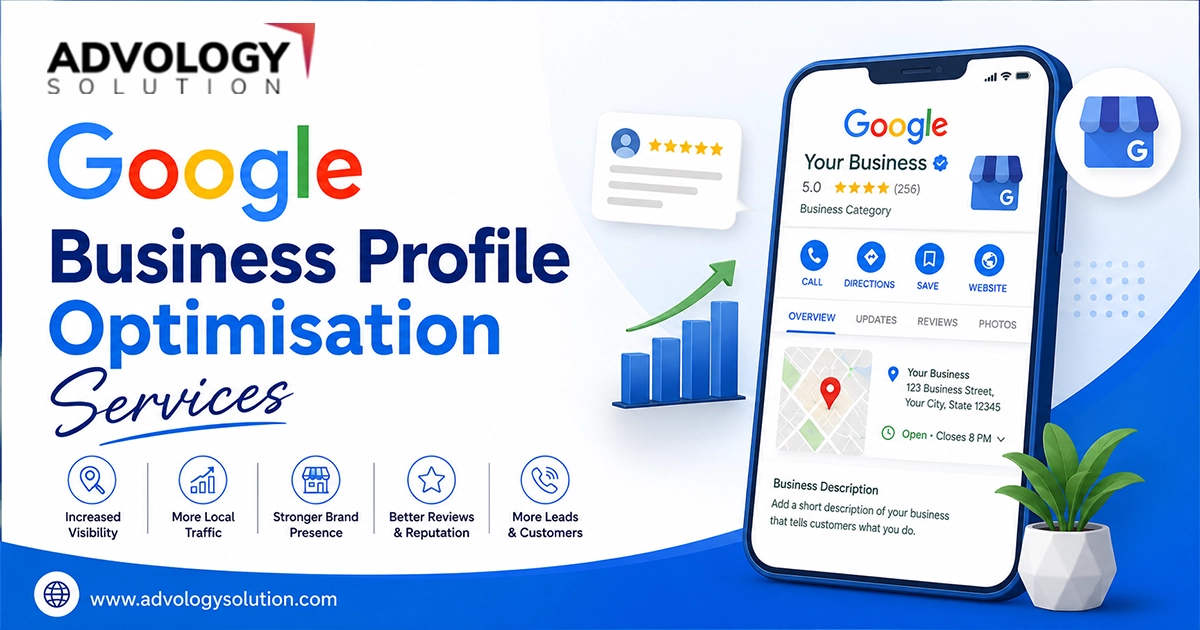
Getting your business verified status is an achievement, but it is actually just the beginning. A verified empty profile won't help you compete against the competitors. To turn the profile into a source of local customer engagement and better visibility, make sure you take the below given post-verification steps:
Optimize Your Profile Visuals
First impressions are completely visual. GMB profiles with active, high-quality images tend to receive 42% more requests for driving directions than those without good visuals.
To optimize your Google My Business profile, you need to upload a high-resolution version of your official logo and a clean exterior photo to help people find your company's building.
Add 3-5 interior shots showcasing your office environment, and clear action shots of your team hard at work.
Write A Business Description
You have 750 characters to explain exactly what your business is all about for both Google's algorithm and your prospective buyers.
For this, begin writing a compelling overview of your business services, history, and core values.
Include your primary target city and top 2-3 high-intent local keywords naturally into the text. Do not overstuff the keywords.
Build A Proactive Review Strategy
Reviews are important in Google's local ranking algorithm.
Move to your Google my business profile dashboard, choose your unique Short Review Link and paste it into your email signatures, post-purchase follow-ups, and SMS receipts.
When customers leave feedback, make it a strict rule to reply within 24 hours. Google explicitly rewards active, engaging owners with better search visibility.
Add Your Product And Service Catalogs
Don't force users to walk through to your website just to see what your business exactly does.
Use the built-in Products and Services tabs to build a comprehensive digital menu.
Here, include a clear pricing plan, detailed service descriptions, and high-quality product photos to convert browsers into customers before they ever leave the search results pages.
Throw Your First Google Update (Update Posts)
Google Business Profiles feature a micro-blogging tool called Updates. Using it consistently signals to Google that your business is highly active.
You need to publish a short update post introducing a current promotion, a seasonal offer, or a helpful piece of advice.
Next, aim to post at least once every two weeks to keep your profile looking dynamic, fresh, and engaging to local searchers.
Google my business verification isn't just an administrative task, but it is the single most important step you can take to improve your local SEO. Whether you are an independent shop-owner navigating a single video upload or an entrepreneur with a big brand name managing a massive bulk chain verification, the result is exactly the same, which is absolute control over your digital platform, high brand security, and a direct way into Google's highly effective Local 3-Pack searches.
Don't wait further, claim your profile, verify your data, and outshine in your market today.